All industries

Industry technology priorities

Education and Training

CYVRIX designs supportable systems for staff, learners, and administrators.

Discuss your technology priorities
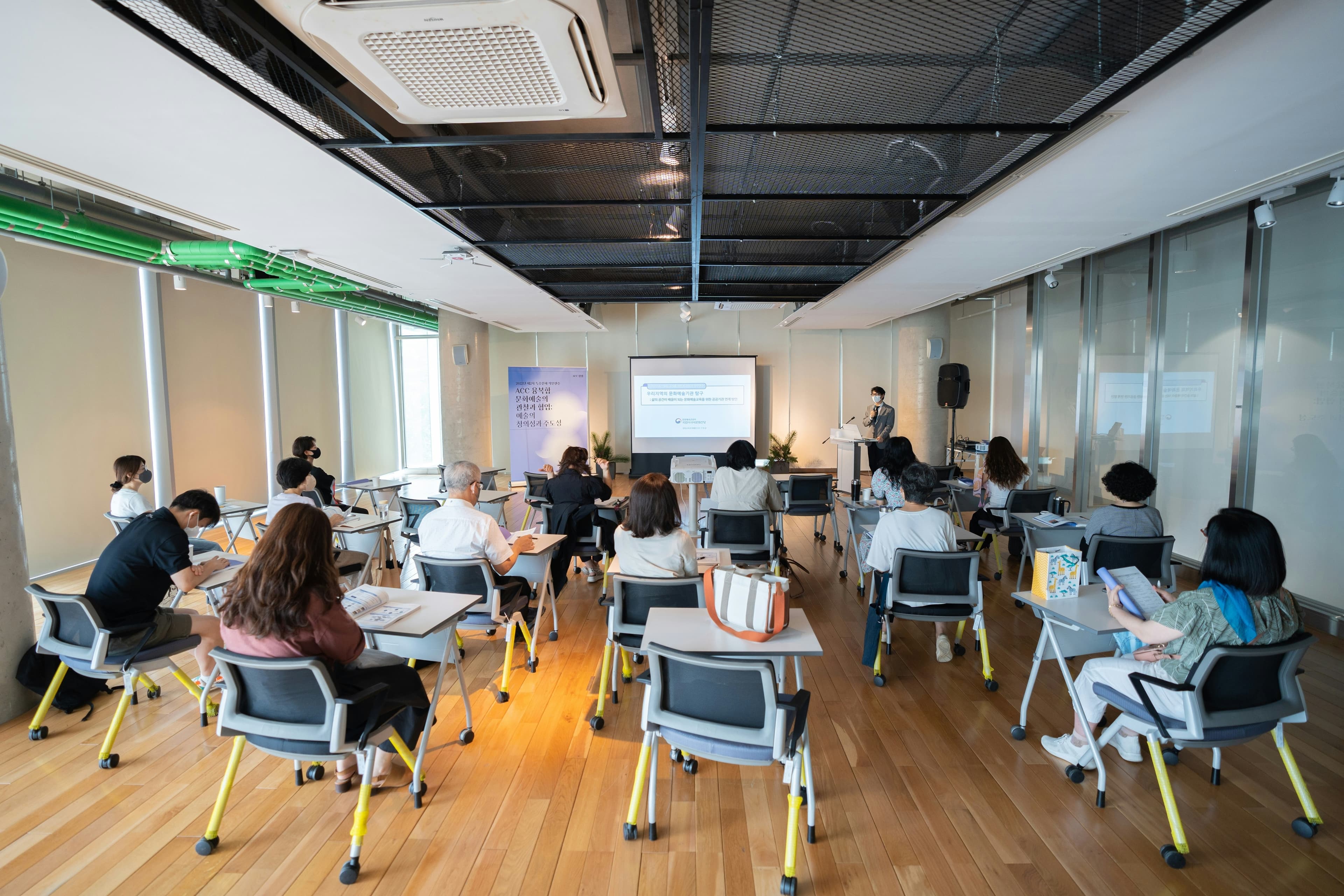
A classroom of learners working at desks

The context

What this sector actually contends with.

Education environments have to serve three very different groups — staff, learners and administrators — on constrained budgets, with safeguarding expectations that carry real weight. Systems must be open enough to teach with and controlled enough to be defensible.

CYVRIX designs supportable systems for education and training providers. We concentrate on access control that reflects who each person is, workspace platforms that staff can actually administer, and documentation that means support does not depend on one person's memory.

What working with us looks like

  • Access controls that distinguish staff, learners and administrators
  • Workspace and collaboration platforms configured deliberately
  • Device management that survives high user volume and turnover
  • Documented systems that reduce dependence on individual knowledge

What deserves attention

Technology decisions that support the work, not just the stack.

User volume
Safeguarding expectations
Budget control

Security and access

  • Manage user access at scale while maintaining clear safeguards
  • Review device, email and collaboration controls for varied user groups

Infrastructure and connectivity

  • Provide reliable Wi-Fi and device support across learning spaces
  • Plan capacity around the way learners and staff actually use technology

Cloud and collaboration

  • Standardise administration for teaching, learning and operational tools
  • Keep storage, sharing and identity settings understandable

Resilience and continuity

  • Protect teaching and operational continuity during a platform or site issue
  • Define recovery priorities before an incident creates pressure

Practical delivery priorities

Start with the improvement that makes the biggest operational difference.

  • Workspace support
  • Access controls
  • Knowledge base

Services often relevant

Cloud SolutionsEndpoint ManagementManaged IT Support
Start with an IT health check